 SizePassport
What to keep for each person
- The sizes that fit recently, by category: tops, pants, shoes, outerwear.
- The brand and model, because the same child or partner can be a different size in another brand.
- The date, so you know when that size last fit.
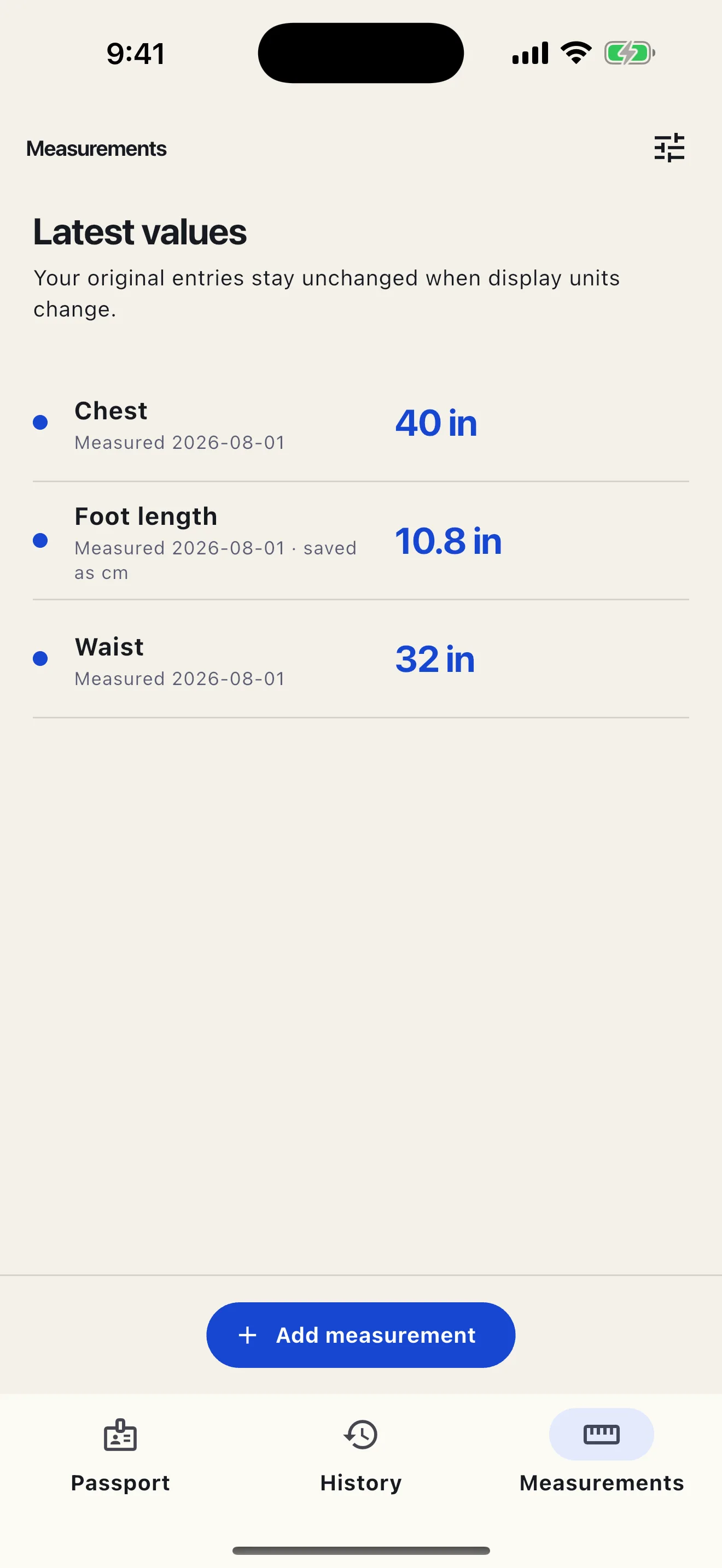
- A few measurements: height and foot length for kids, and anything a size chart asks for.
- Notes such as “room to grow” or “prefers a loose fit”.
Children grow out of their records
Kids’ labels mix age ranges, heights in centimeters, and US toddler and youth sizes. Record the label as printed and the date. Before buying, check their current height or foot length against the product chart rather than treating an age label or an older fit as a current measurement.
Gifts and shared shopping
If you have their recent sizes and preferences, keep them together so you can look them up while choosing a gift. Check the date and brand before relying on an older record.
Sources and further reading
People in SizePassport
- Add a partner, parent, child, or anyone else, and switch between them from the top of the screen.
- Passport, History, and Measurements show the person you picked, and every record belongs to one person.
- Size types for kids’ labels and heights, plus shoes with width.
- Export one person or everyone as a file with photos, and import it into SizePassport on another phone.
Free on iPhone and Android · No account
Questions
How do I keep track of my kids’ clothing sizes?
Record each fit with the size from the label, the brand, and the date. Recheck height and foot length before buying when an older record may no longer apply. SizePassport keeps a separate Passport for each child.
Can I save my partner’s or parents’ sizes in one app?
Yes. SizePassport lets you add local profiles for a partner, parent, child, or anyone you shop for and switch between them. There is no account; the records stay on your phone.